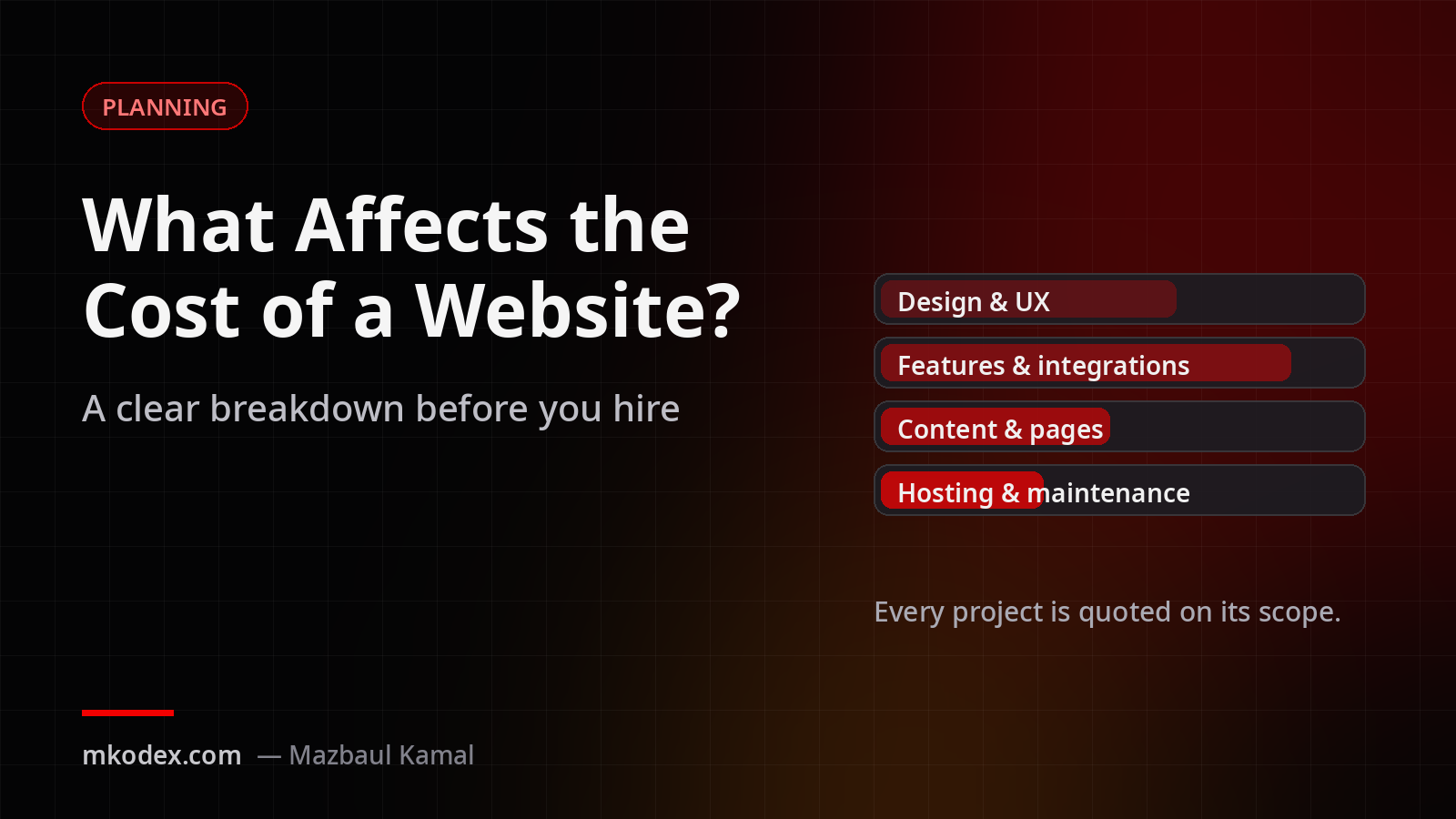
"How much does a website cost?" is a fair question, and the honest answer is: it depends on what the website needs to do. Two sites can look alike on the surface and take very different amounts of work behind it. Here is what actually drives the price, so you can plan with confidence.
1. Design: template or custom
A well-chosen theme adapted to your brand is faster and cheaper. A fully custom design, where every page is planned around your audience and goals, takes more time but makes your business stand out.
2. Number and type of pages
A five-page brochure site is very different from a site with fifty service pages, a blog and landing pages. Count the types of pages too: each new layout needs designing and building.
3. Features and functionality
This is usually the biggest factor. Each of these adds work:
- Online payments, a shop or subscriptions
- Bookings, appointments or calendars
- User accounts, dashboards or member areas
- Multiple languages
- Search, filters and custom forms
- A custom admin panel for your team
4. Integrations
Connecting your site to other systems, such as a CRM, accounting software, SMS gateway, shipping provider or your own API, adds development and testing time.
5. Content
Who writes the text and supplies the photos? If content is ready, the project moves faster. Copywriting, photography and moving content from an old site all add time.
6. SEO and performance
A fast, well-structured site with proper meta tags, clean URLs and a sitemap needs care during the build. It is much cheaper to do this right from the start than to fix it later.
7. Hosting, domain and maintenance
The launch is not the end. Plan for hosting, the domain renewal, SSL, backups, security updates and small content changes over time.
Remember: the cheapest quote is not always the lowest cost. A site that is slow, insecure or hard to update costs more over its lifetime.
How to keep your project on budget
- Start with the must-haves. Launch a solid first version, then add features once you see what visitors use.
- Prepare your content early. Text and images are the most common cause of delays.
- Share examples. Links to sites you like save hours of back-and-forth.
- Ask what is included. Check revisions, hosting setup, training and support after launch.
- Agree on scope in writing. A clear list of pages and features protects both sides.
Key takeaways
- Features and integrations affect the price more than the number of pages.
- Content readiness has a big effect on timelines.
- Budget for maintenance, not just the launch.
Have a project in mind? Tell me what you need and I will send you a clear quote based on your scope, with no surprises.